DJI Modify
DJI Modify
Professional 3D Model and Point Cloud Editing Software
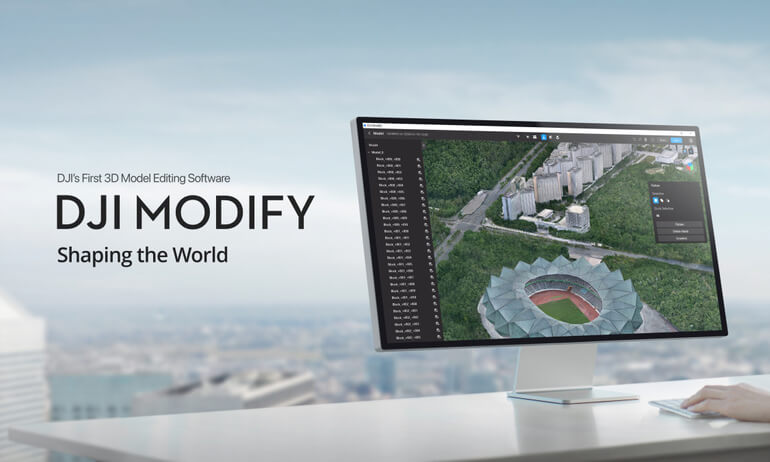
DJI Modify is advanced desktop software designed for editing, refining, and optimising 3D models and point cloud data generated from drone surveys. Built to support professional surveying, mapping, and inspection workflows, DJI Modify enables users to efficiently process complex datasets into accurate, clean, and usable deliverables.
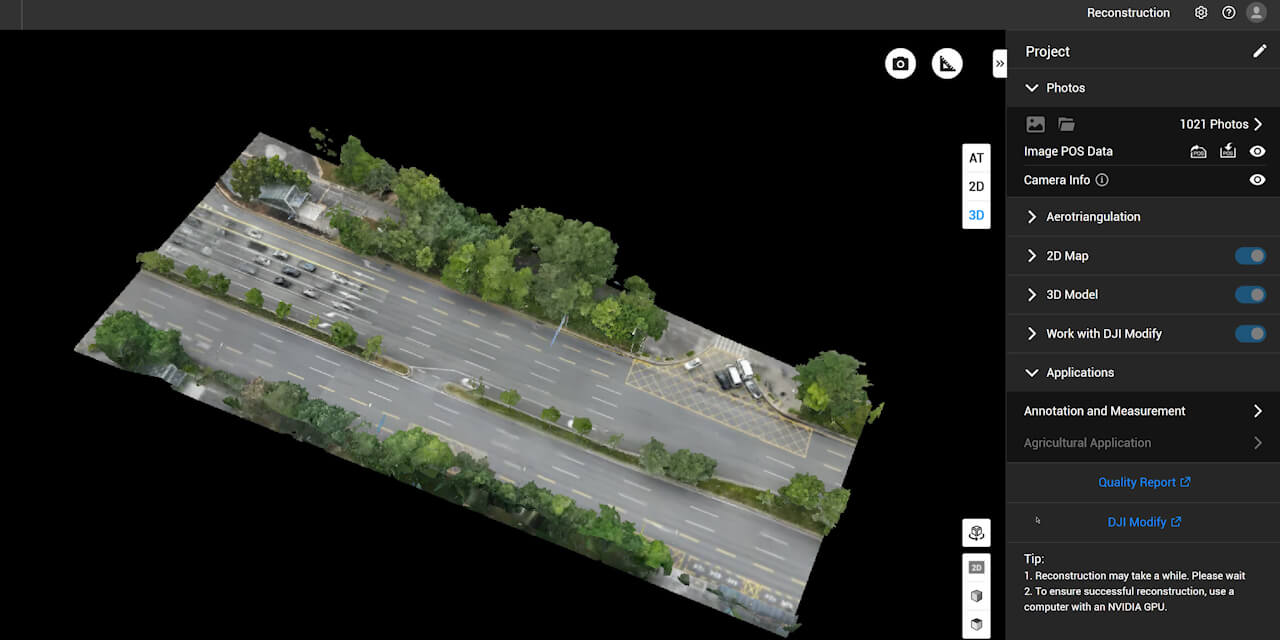
Working seamlessly alongside DJI Terra and DJI enterprise sensors, DJI Modify helps bridge the gap between raw data capture and final survey-ready outputs.
Key Capabilities
Point Cloud Editing and Refinement
- Tools for cleaning, classifying, and editing point cloud data
- Supports removal of noise, outliers, and unwanted artefacts
- Improves data quality for accurate analysis and downstream use
3D Model Editing
- Enables precise editing of mesh models and surfaces
- Supports repair and optimisation of complex 3D datasets
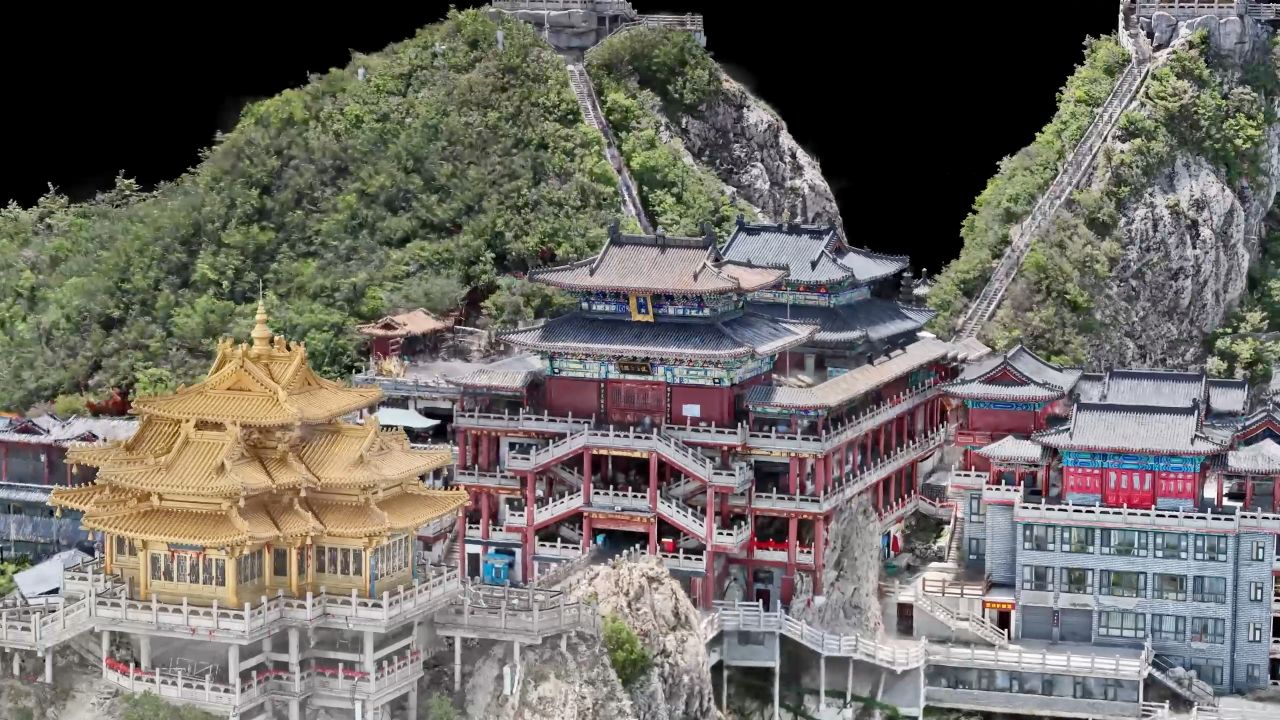
- Produces clean, presentation-ready and survey-ready models
Survey and Engineering Workflows
- Designed to support professional geospatial and engineering applications
- Enhances accuracy and usability of drone-derived datasets
- Suitable for mapping, inspection, volumetric analysis, and planning
Efficient Data Handling
- Optimised for large datasets generated by photogrammetry and LiDAR missions
- Streamlined tools reduce manual processing time
- Improves productivity for surveyors and data processing teams
Enterprise Software Integration
- Works alongside DJI Terra for end-to-end data workflows
- Supports standard industry data formats for compatibility with third-party software
- Designed for reliable use in professional and regulated environments
Designed for Professional Data Processing
DJI Modify is built for organisations that require high-quality, defensible geospatial deliverables. By providing powerful yet efficient tools for point cloud and 3D model refinement, it supports surveyors, engineers, and inspection teams in delivering consistent results across a wide range of projects.
Typical Applications
- Point cloud cleaning and optimisation
- 3D model refinement and correction
- Survey data preparation and validation
- Infrastructure and asset modelling
- Engineering and planning workflows
DJI Modify — Minimum Computer Specifications
To ensure reliable performance and a smooth editing experience when using DJI Modify, the following minimum hardware and software configuration is recommended:
Operating System
- Windows 10 or later (64-bit) — required
(DJI Modify is not compatible with macOS or non-Windows systems)
Processor (CPU)
- Modern multi-core processor (Intel i7 / AMD equivalent or better recommended)
(No official minimum model specified, but a strong CPU greatly improves performance)
Memory (RAM)
- Minimum: 32 GB RAM
- Recommended: 64 GB or more for larger or dense models
Graphics (GPU)
- Minimum: NVIDIA GPU with compute capability 6.1 or higher and at least 4 GB GPU memory (e.g., GeForce GTX 1050 Ti or similar)
- Recommended: NVIDIA GPU with compute capability 7.0 or higher and at least 8 GB GPU memory (e.g., RTX 2070 or better)
- Ensure the display is connected to the NVIDIA GPU — otherwise performance may be reduced significantly.
Storage
- Fast SSD recommended (project data, models, and cache benefit from higher throughput)
- Generous free disk space to accommodate large datasets — 100 GB+ recommended
Network
- Active internet connection required for network license validation and continued use.
Additional Notes
- DJI Modify only edits 3D visible light models that are reconstructed using DJI Terra V4.0.0 or later.
- GPU driver should be up-to-date to ensure optimal reliability and performance.
Tips & Tricks for Using DJI Modify
Start with an Optimised Model
Before importing into DJI Modify, make sure your 3D mesh or point cloud is cleanly generated in DJI Terra with well-stitched photos or accurate LiDAR data — this reduces editing time in Modify.
Use Smart Filter & Classification First
Apply the Smart Filter early to separate major elements (ground, buildings, vegetation, vehicles) — this makes later refinement much faster and more precise.
Prioritise NVIDIA GPU Usage
If using a laptop with a discrete GPU, ensure the system is set to prioritise the NVIDIA card in the NVIDIA Control Panel rather than integrated graphics — this prevents lag and display slowdowns.
Keep GPU Drivers Updated
Regularly update NVIDIA drivers — this can resolve display issues, improve stability, and unlock performance improvements for CUDA-based operations.
Break Large Models into Sections
For extremely large datasets, consider editing in stages by breaking models into manageable sections. This can reduce processing load and help avoid software lag or crashes.
Use Export Options Wisely
When exporting results, choose the output format that best fits your next step (e.g., PLY/OBJ for 3D viewers, LAS/LAZ/PCD for point cloud workflows, or PNTS/B3DM for web/cloud sharing)
Gallery